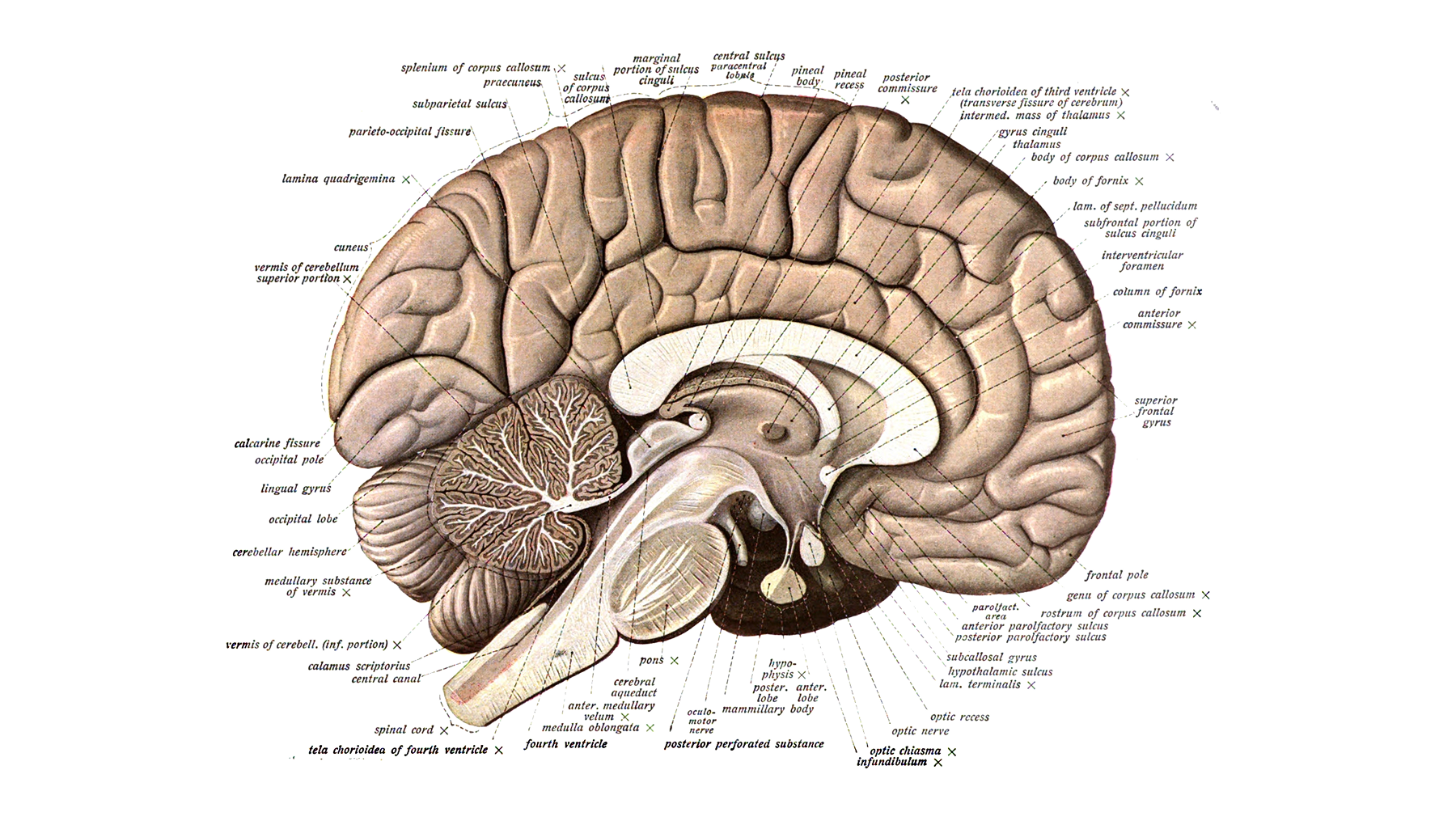
Brain Diagram
The Ladder of Recognition
When a person looks at your interface, something remarkable happens in the space of a few hundred milliseconds. They don't just "see" it. They process it — layer by layer, from raw sensation up through meaning. Think of it as a ladder.
Each rung requires the user to bring something with them. Each rung is an opportunity for design to either help or hinder. And crucially: each rung costs something.
Rung 1: Sensing
Before anything else, light hits the eye. The brain registers color, shape, size, contrast, motion, and proximity. This is the most basic layer — and the one designers have the most direct control over.
At this level, the question is simply: can they see it?
Low contrast between text and background forces the eye to work harder. Tiny touch targets make the hand work harder. An element that blends into the visual noise around it demands more effort to isolate. None of these are dramatic failures — they're small frictions. But they're the foundation that everything else rests on.
This is why accessibility isn't just an ethical obligation; it's a cognitive one. Sufficient contrast, appropriate scale, and clear visual hierarchy reduce the effort required just to perceive the interface, before any meaning-making has even begun.
Rung 2: Recognizing
Once the eye isolates something, the brain asks: what is this?
A rounded rectangle with a drop shadow — that's a button. A magnifying glass icon — that's search. A left-pointing chevron — that's "go back." These are recognitions: the brain matching what it sees to a stored pattern.
This is where convention earns its keep. Don Norman, in The Design of Everyday Things (2013), introduced the idea of signifiers — perceivable cues that communicate how something should be used. A flat plate on a door signals "push." A handle signals "pull." The signifier does the communicating so the user doesn't have to figure it out from scratch. As Norman put it, affordances determine what actions are possible; signifiers communicate where the action should take place — and we need both.
The same principle applies to interfaces. A well-placed signifier — a familiar icon, a conventional button style, a standard navigation pattern — lets users recognize what something is without having to reason about it. Recognition is almost effortless. Reasoning is not.
Jakob Nielsen formalized this as Heuristic 6 of his ten usability principles, first codified in 1994: "Minimize the user's memory load by making objects, actions, and options visible." Recognition tasks place far less load on working memory than recall, because visible cues provide retrieval scaffolding that unaided memory cannot. When users have to remember how something works — a keyboard shortcut, a gesture, an unlabeled icon — they're working much harder than when they can simply see and identify it.
Rung 3: Understanding
Recognition answers "what is this?" Understanding answers "what does this mean?"
The word "Label" is recognized as an English word. But understanding it means knowing that in this context — next to a form field, perhaps, or inside a dropdown — it's describing an action. "Add a label." And that action sits within a larger system: you're organizing something, building structure, preparing for later retrieval.
This is where context does heavy lifting. The same word can mean different things on different screens, in different products, for different users. A button that says "Submit" means one thing on a job application and something entirely different on a payment form. Understanding depends not just on what's visible, but on what the user brings to the moment — their experience, their mental model, their expectations.
Norman described this gap with a triad: the designer's model (how the designer intends the system to work), the system image (what the product actually communicates through its appearance and behavior), and the user's model (what the user believes is true about how it works). The user only ever interacts with the system image — they never have direct access to the designer's intentions. When the system image aligns with the user's model, the product feels intuitive. When it doesn't, users must spend cognitive resources resolving the mismatch — resources that should have been spent on their actual task.
Rung 4: Deciding
At the top of the ladder, the user asks: what do I do now?
This is where cognitive load most visibly becomes a design problem. Too many options, and the user is paralyzed. An unclear hierarchy, and they don't know where to start. Ambiguous labels, and they're not sure what clicking something will do. Cognitive load compounds — each needless choice, confusing label, or uncertain consequence draws more from that limited mental budget.
The designer's job at this rung is clarity: make the right action obvious, make the wrong actions either invisible or recoverable, and make the consequence of each choice legible before it's taken.
The Budget: Why Working Memory Is the Real Constraint
Behind all four rungs is a single limiting resource: working memory.
In 1956, cognitive psychologist George A. Miller published "The Magical Number Seven, Plus or Minus Two" in Psychological Review — one of the most cited papers in psychology. Miller proposed that the average person can hold approximately 7 (±2) items in working memory at once. This gave designers a useful mental model of constraint: the brain is not a hard drive. It's more like a whiteboard with limited space.
However, the "7" figure has since been revised. In 2001, Nelson Cowan published "The Magical Number 4 in Short-Term Memory" in Behavioral and Brain Sciences, bringing together a wide range of experimental data suggesting the true capacity limit — when strategies like rehearsal and chunking are controlled for — is closer to 3 to 5 chunks. As Cowan noted, Miller's original number was "meant more as a rough estimate and a rhetorical device than as a real capacity limit."
The practical implication for designers isn't to limit your navigation to exactly four or seven items. The point is subtler and more important: working memory has hard limits, and everything you ask users to hold in their heads competes for the same finite space. Every field the user must remember across screens, every unlabeled icon they must decode, every step they must mentally track — these all draw on the same small reserve.
Chunking is one of the most powerful tools a designer has in response. By grouping related information so the brain can treat it as a single unit rather than many, you effectively multiply the usable space. A phone number formatted as (415) 555-0134 is easier to hold than 4155550134, even though they contain identical information. The same logic applies to navigation groups, form sections, step-by-step flows, and visual hierarchy.
Familiarity Collapses the Ladder
Here's the most important insight in this entire article: for experienced users, the ladder shrinks.
When someone has used a product for months, they no longer consciously climb each rung. The pattern of "rounded rectangle with text = clickable button" has been compressed into a single instant recognition. They don't sense, recognize, understand, and decide in sequence — they just act.
This is what cognitive science calls schema formation. Sweller's foundational 1988 paper in Cognitive Science established that domain-specific knowledge in the form of schemas is the primary factor distinguishing experts from novices. A schema is a compressed mental structure built through experience that allows the brain to treat a complex pattern as a single unit — bypassing the need to process each component separately.
The chess studies of Chase and Simon (1973) made this vivid. Chess masters shown a real game position for just five seconds could reconstruct nearly all of it from memory. But when the pieces were arranged randomly — with no meaningful patterns to chunk — masters performed barely better than beginners. Their advantage wasn't a better memory; it was a richer library of stored configurations, each functioning as a single retrievable unit. Expertise is partly the accumulation of increasingly complex chunks that pack more information into fixed-capacity storage.
The same mechanism operates when a designer sees a nav bar, a form layout, or a card component. They're not decoding each element from scratch — they're pattern-matching against a library built over years of practice. Their users have the same library, just a different one, built from whatever products they've used before.
This is why breaking conventions is expensive. When you deviate from an established pattern — a primary action button that's grey, a swipe gesture that works backward, a navigation pattern that lives somewhere unexpected — you force users off their schemas and back onto the ladder. Every rung has to be climbed again.
Three Types of Cost
Not all cognitive load is the same. Sweller, Van Merriënboer, and Paas (1998) distinguished three types in their foundational paper "Cognitive Architecture and Instructional Design," and the distinction matters for how you respond as a designer:
Intrinsic load is the unavoidable complexity of the task itself. Booking a flight involves multiple decisions — dates, destinations, passengers, seats — and no amount of clever design can make that trivially simple. Intrinsic load is determined by the nature of the task and the user's prior knowledge: an expert finds a task simpler than a novice because they can lean on schemas where the novice must reason from scratch. You can't eliminate intrinsic load, but you can sequence tasks so users aren't facing multiple complex elements simultaneously.
Extraneous load is the complexity added by poor design — confusion that has nothing to do with the task itself. A form that asks for the same information twice. An error message that says "Something went wrong" without saying what. A modal that appears with no clear way to dismiss it. This is the load designers are directly responsible for. It doesn't come from the task; it comes from how the task is presented. And unlike intrinsic load, it can be designed away.
Germane load is the mental effort of building a new schema — the work of actually learning how something new operates. This is productive cognitive effort. When a user encounters a new interaction pattern and it clicks — when the model of how something works solidifies — that's germane load doing its job. Germane load is something worth protecting, not eliminating, because it's the pathway to fluency.
The designer's goal is not to remove all cognitive effort — that would remove the possibility of mastery. The goal is to eliminate extraneous load, so that the mental budget is available for the task itself and for the genuine learning that builds expertise over time.
What This Looks Like in Practice
Each rung of the ladder maps to a set of design decisions — and a set of recognizable failure modes.
At the sensing level: poor contrast, insufficient size, visual clutter that buries important elements. The fix is visual hierarchy — not everything can be equally important, and the eye needs a clear path. This isn't aesthetic; it's reducing the effort of perception before anything else can happen.
At the recognition level: unfamiliar icons, broken conventions, inconsistent patterns across screens. The fix is to default to established patterns and innovate only where there's genuine user benefit, not novelty for its own sake. Consistent design elements help users recognize patterns and anticipate interactions — which means each interaction costs less.
At the understanding level: ambiguous labels, context-dependent meaning without context cues, jargon the user doesn't share. The fix is to write from the user's side of the screen — name things by what the user controls and experiences, not by what the system does internally. "Save changes" not "Commit state."
At the deciding level: too many options, unclear hierarchy, actions without visible consequences. The fix is progressive disclosure, clear primary actions, and feedback that confirms what just happened. Make the cost of each choice visible, and make mistakes recoverable.
The Tax Is Always There
Every pixel asks something of the user.
That's not a reason to make interfaces blank or minimal to the point of uselessness. It's a reason to be deliberate. To ask, at every design decision: is this cost worth paying? Is this element earning its place? Is this label as clear as it could be? Is this pattern something users already know, or are we making them learn something new — and if so, is it worth the cost of that learning?
The best interfaces aren't the ones with the fewest elements. They're the ones where every element pulls its weight — where the ladder is smooth, the rungs are familiar, and the user arrives at the top with energy left to do what they came to do.
Sources
Miller, G. A. (1956). The magical number seven, plus or minus two: Some limits on our capacity for processing information. Psychological Review, 63(2), 81–97. https://doi.org/10.1037/h0043158 · Full text
Cowan, N. (2001). The magical number 4 in short-term memory: A reconsideration of mental storage capacity. Behavioral and Brain Sciences, 24(1), 87–114. https://doi.org/10.1017/S0140525X01003922
Sweller, J. (1988). Cognitive load during problem solving: Effects on learning. Cognitive Science, 12(2), 257–285. https://doi.org/10.1207/s15516709cog1202_4 · PDF
Sweller, J., Van Merriënboer, J. J. G., & Paas, F. (1998). Cognitive architecture and instructional design. Educational Psychology Review, 10(3), 251–296. https://doi.org/10.1023/A:1022193728205
Chase, W. G., & Simon, H. A. (1973). Perception in chess. Cognitive Psychology, 4(1), 55–81. https://doi.org/10.1016/0010-0285(73)90004-2
Norman, D. A. (2013). The Design of Everyday Things (revised ed.). Basic Books. Publisher page
Nielsen, J. (1994). 10 usability heuristics for user interface design. Nielsen Norman Group. https://www.nngroup.com/articles/ten-usability-heuristics/
Share
A small favor
Was anything I wrote confusing, outdated, or incorrect? Please let me know! Just write a few words below and I’ll be sure to amend this post with your suggestions.